
Signing & Integrity
All licenses, tokens, and trust artifacts are cryptographically signed by the Authority. The SDK verifies these signatures on every request, ensuring that any tampered or modified data is immediately rejected.

Built on signed trust, verified server identity, and replay-resistant flows across both online and offline environments.
 Security by Default
Security is not an add-on - it is enforced across every step of the licensing lifecycle, both online and offline.
Core protections include cryptographic signing, strict identity validation, and replay-resistant flows, ensuring that licenses cannot be forged, reused incorrectly, or manipulated on the client side.
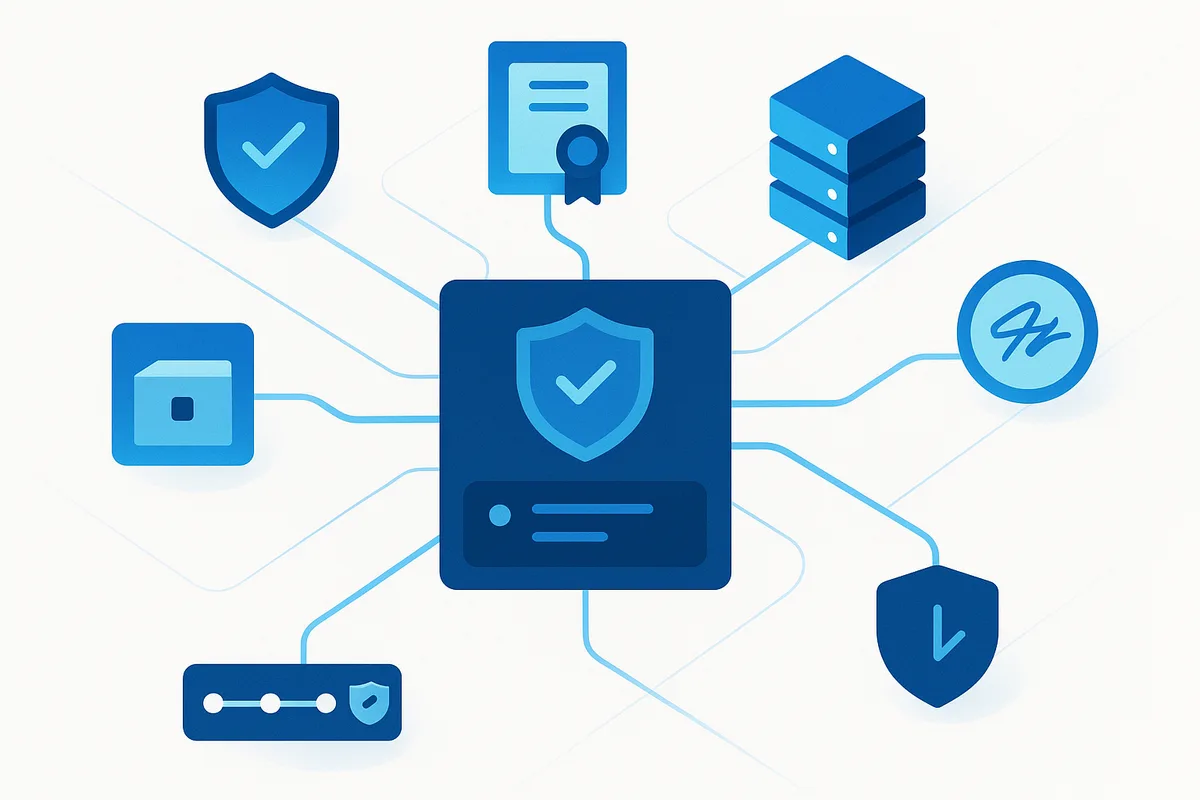 Trust Chain
Each security control is directly tied to how the system behaves in production, ensuring that protection is not theoretical, but actively enforced at runtime.

All licenses, tokens, and trust artifacts are cryptographically signed by the Authority. The SDK verifies these signatures on every request, ensuring that any tampered or modified data is immediately rejected.

Before accepting any licensing decision, clients validate the server using Authority-issued trust material. This guarantees that responses come from a trusted and authenticated source.

Offline activation responses are bound to the original request, preventing reuse or duplication. For online flows, nonce-based validation can be applied to ensure each request is unique and cannot be replayed.

The platform applies rate limiting and controlled error responses to reduce attack surface. Errors are designed to avoid leaking sensitive information while still providing enough telemetry for debugging and support.
Offline Security SnapshotsSince offline systems cannot fetch updates in real time, regularly importing these snapshots is essential to keep licensing secure and up to date.
Security freshness in offline environments depends on the last imported snapshot. Regular updates are required to ensure revocations and key changes are enforced correctly.
Generate the latest signed snapshot bundle from Authority, containing current keys and revocation data.
Move the bundle securely using approved offline media or internal procedures.
Import the snapshot into the client or support tooling. The system verifies the signature and records import metadata for auditing and traceability.
Obfuscation and anti-tamper increase attacker effort, but server-authoritative checks remain the primary control point.
© 2026 LicenseSeal. Powered by BytesGlue Inc. All rights reserved. Cookie Settings